
The Intelligent
Keyboard Layer
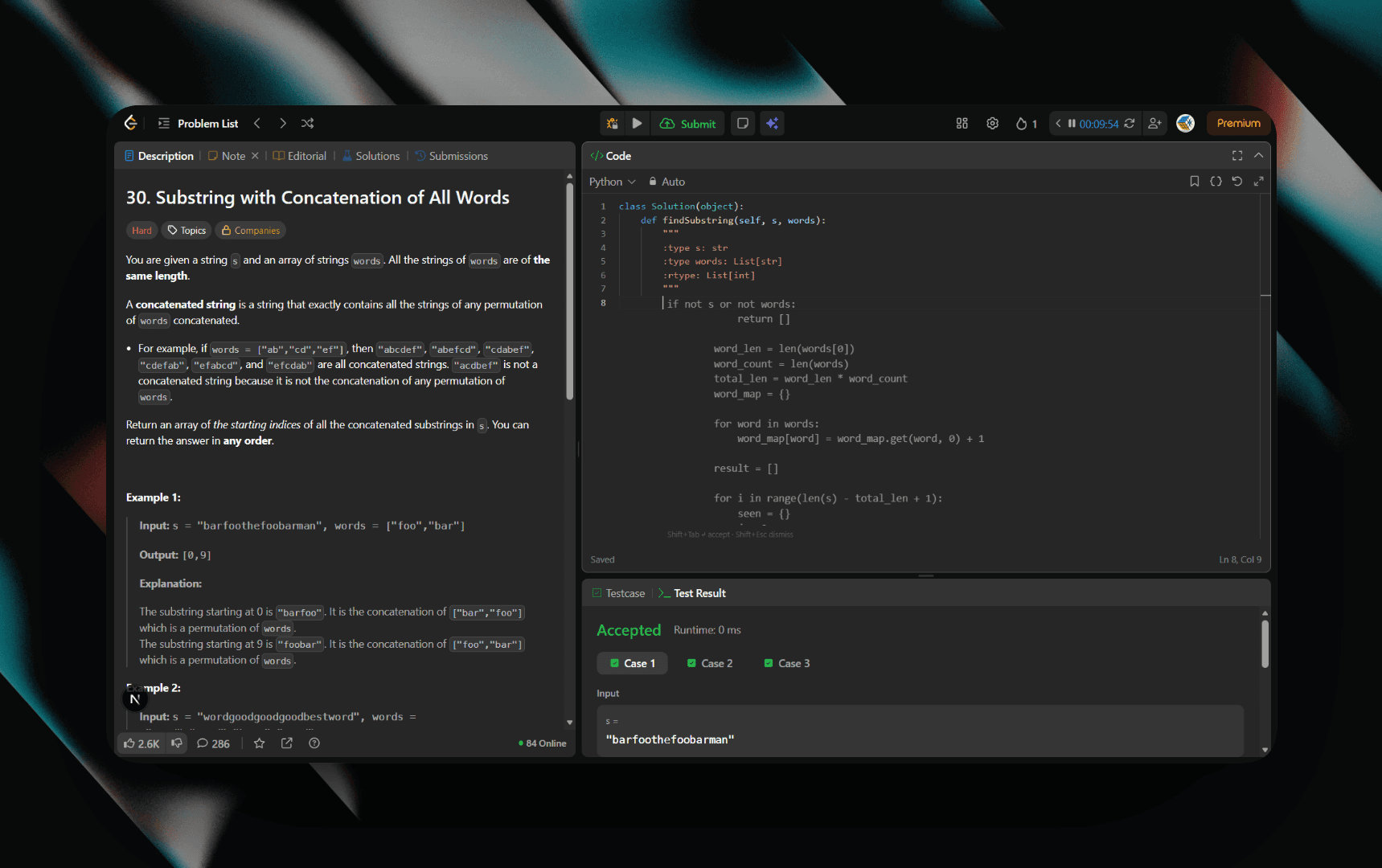
Tabby is a system-wide AI assistant that lives at the point of input. Transform your desktop into a real-time collaborator for coding, writing, and interviews.
Tabby supports models from the following providers



Your AI lives at the keyboard
Everything you need to code smarter and ace interviews
Interview Copilot
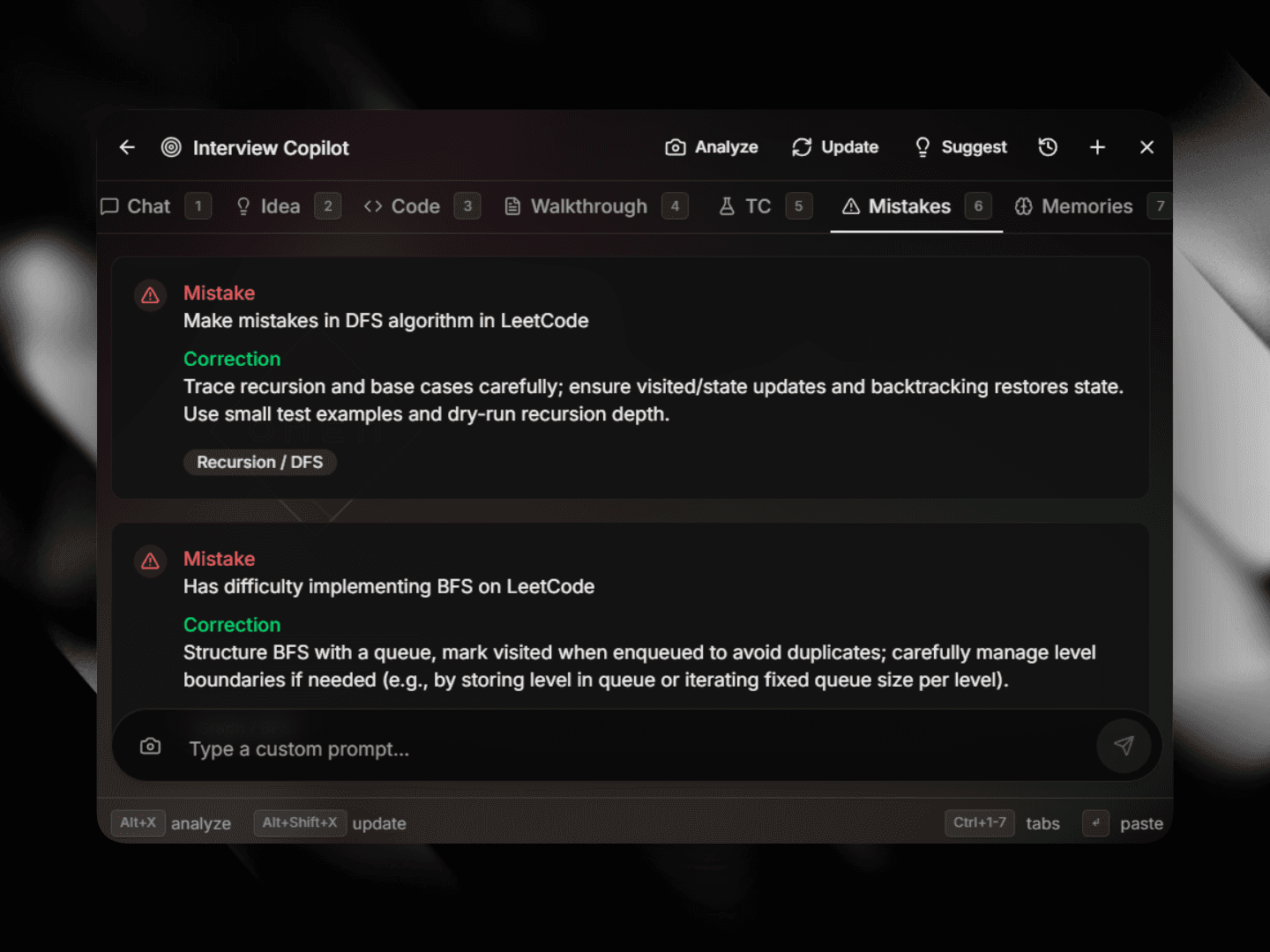
Real-time coding interview assistance with screen capture. Analyze problems, get solutions, and ace your interviews.
Action Menu
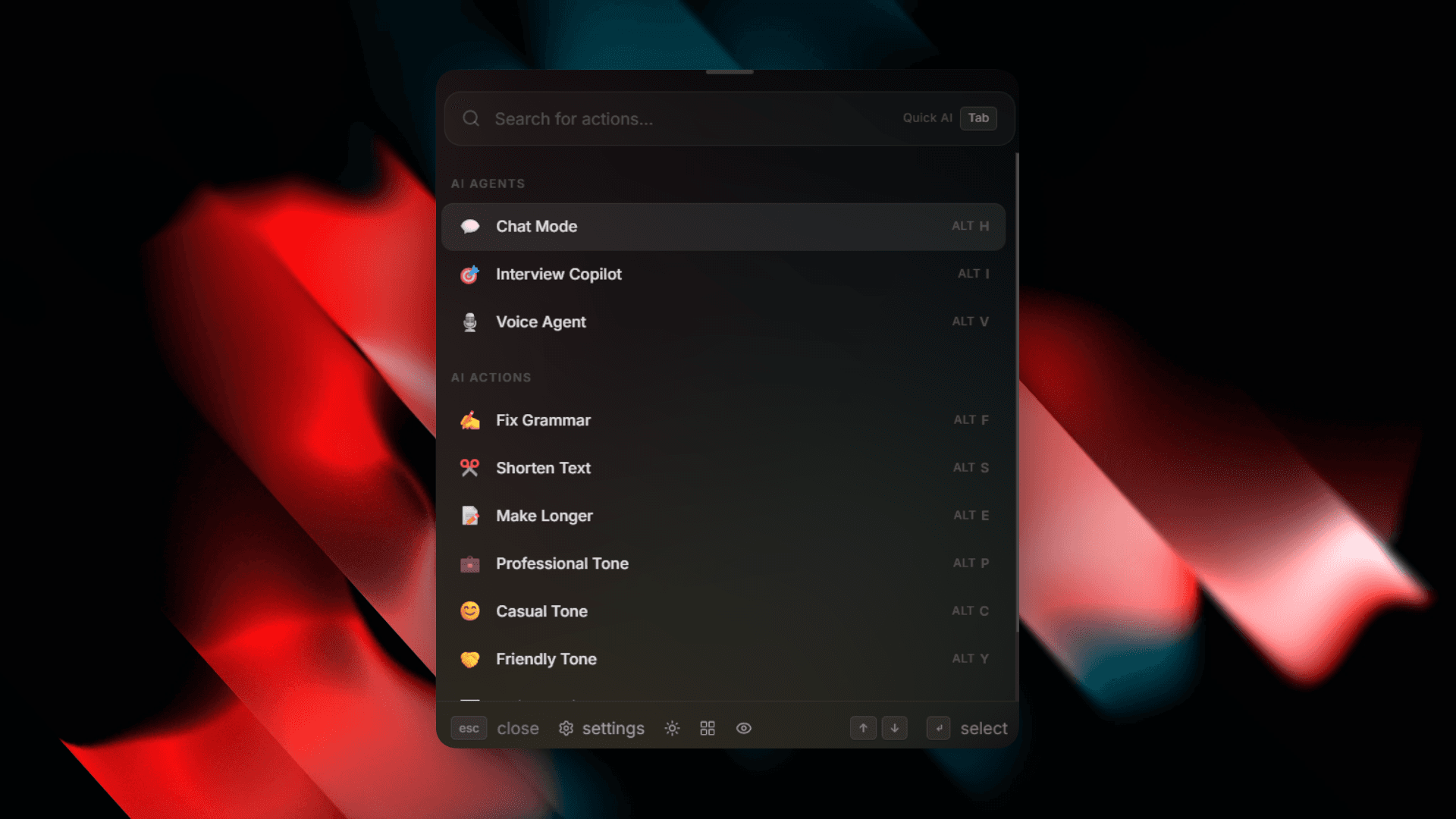
Quick AI actions at your fingertips. Fix grammar, change tone, expand text, and run custom prompts.
Ghost Text
Context-aware autocomplete that learns your coding style. Get intelligent suggestions as you type.
Persistent Memory
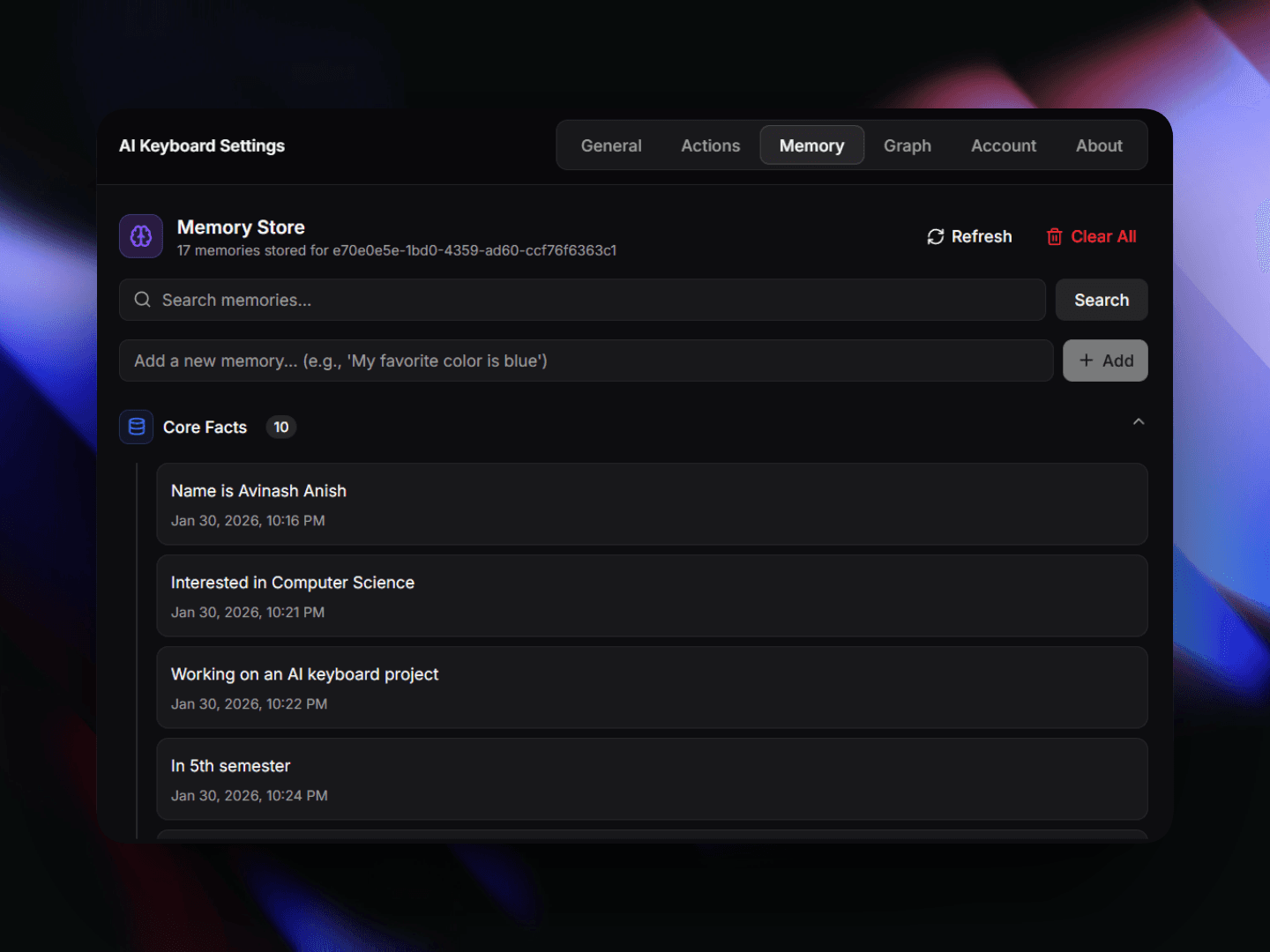
AI that remembers you. Your preferences, coding style, and past interactions are always in context.
Voice Agent
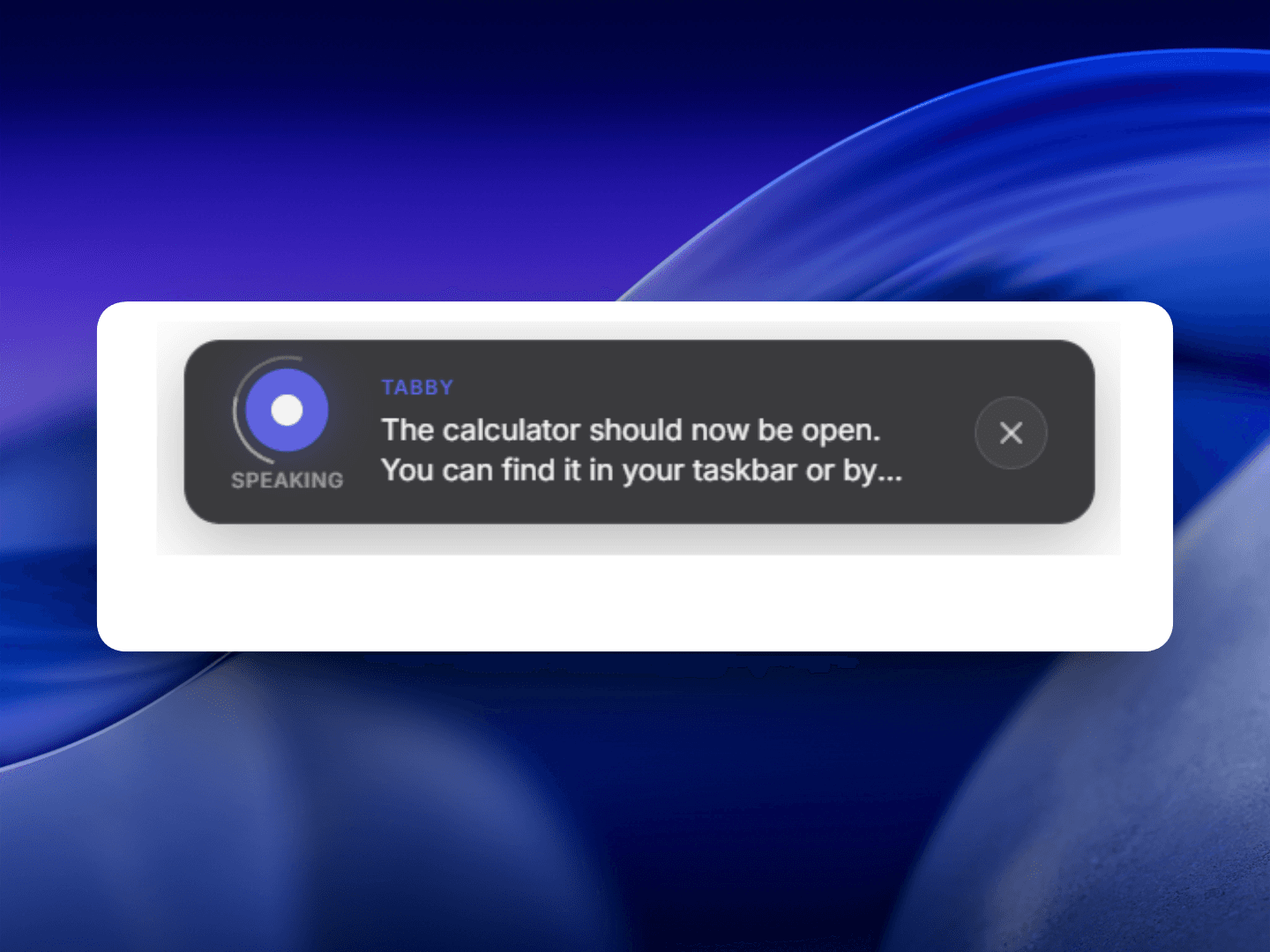
Voice-to-text and text-to-voice capabilities. Interact with AI using natural speech.
Desktop Automation
Full Windows MCP integration for system-level control. Automate repetitive tasks effortlessly.
Multi-Model AI
Access GPT-4, Gemini, Groq, Cerebras, and more. Choose the best model for each task.
Invisible Typing
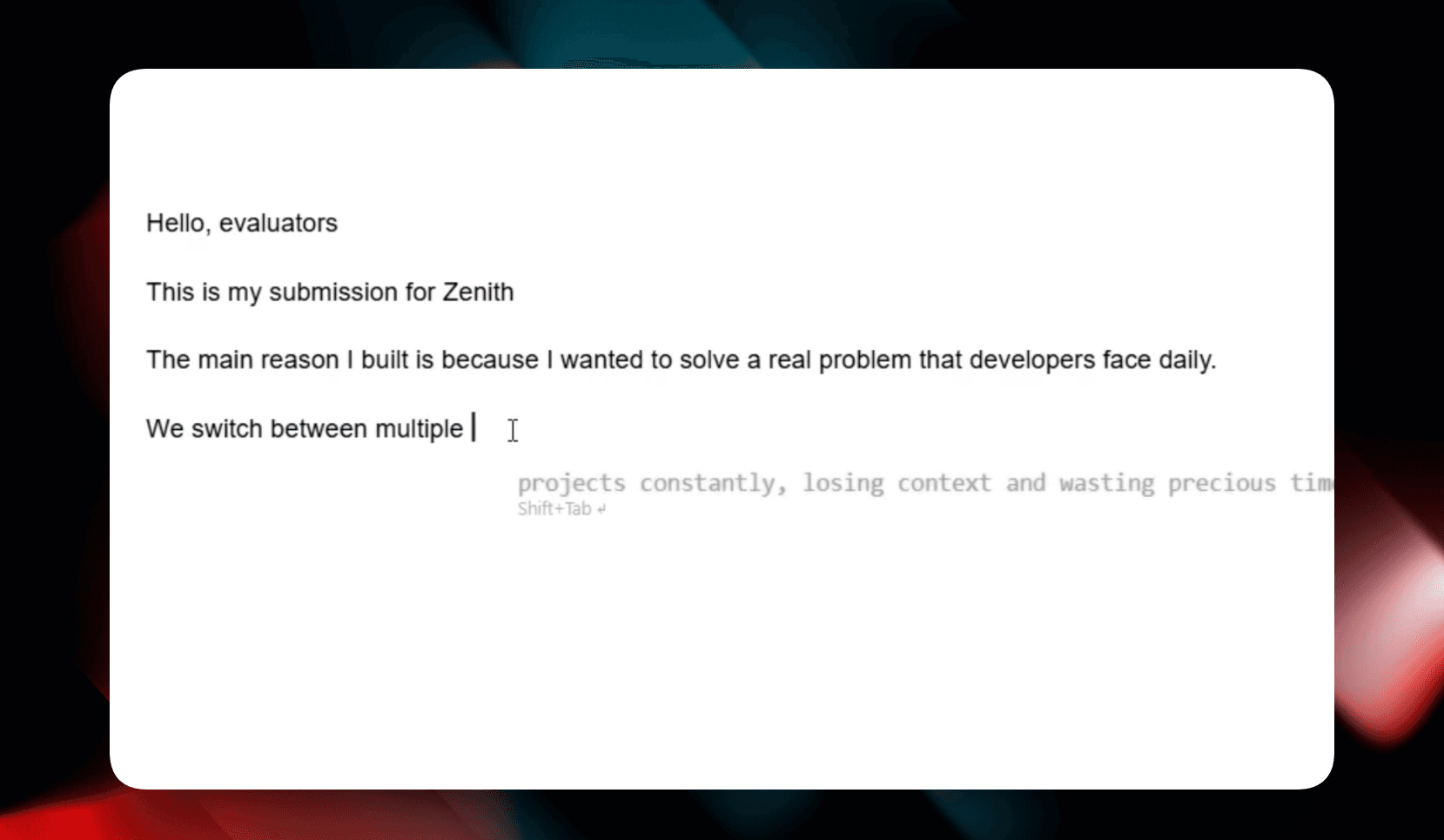
AI types directly into any app, character by character. Undetectable and seamless.
Knowledge Graph
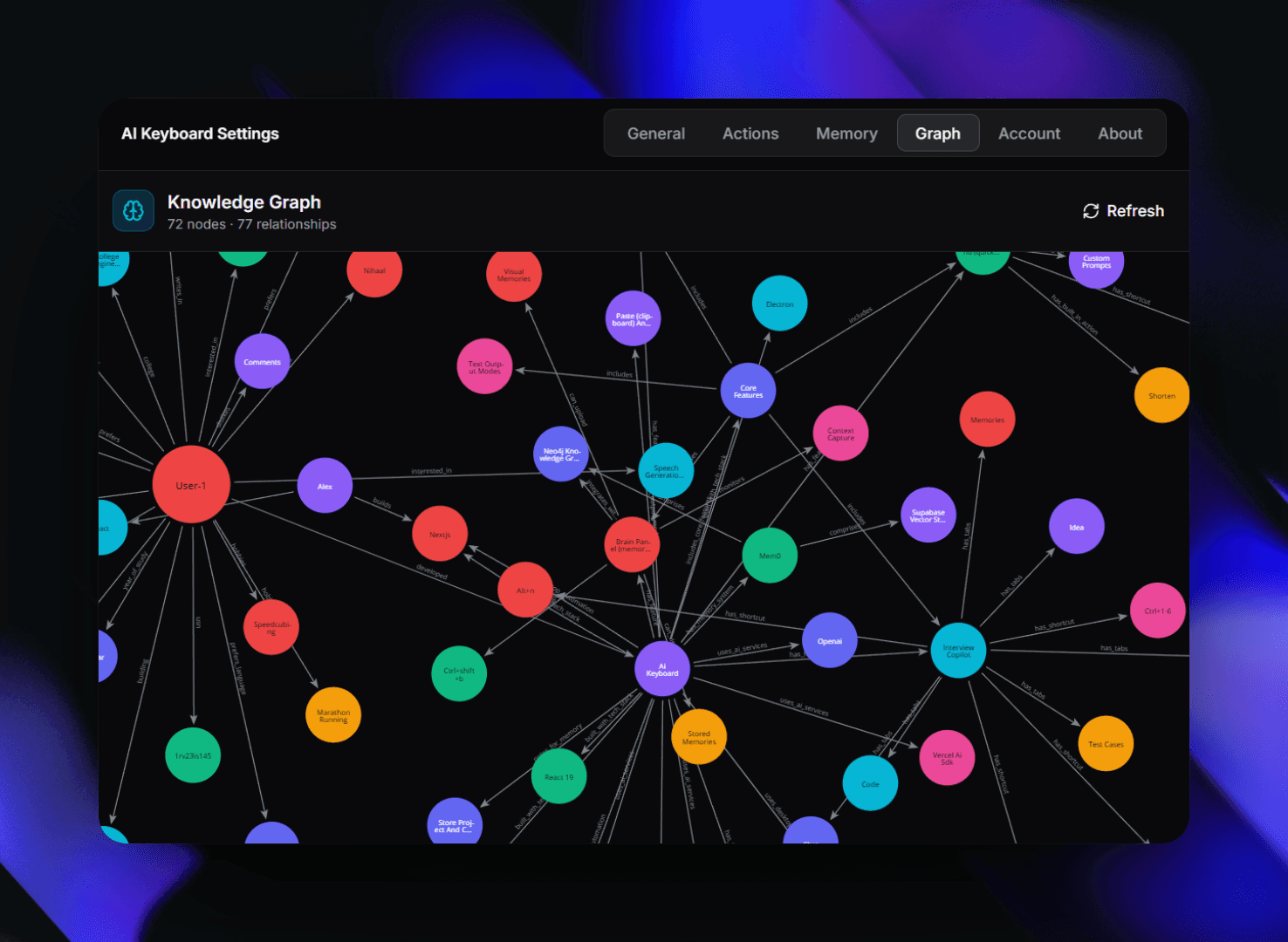
Neo4j-powered memory visualization. See connections between your ideas and context.
System Tray
Lives quietly in your system tray. Always accessible, never in the way.
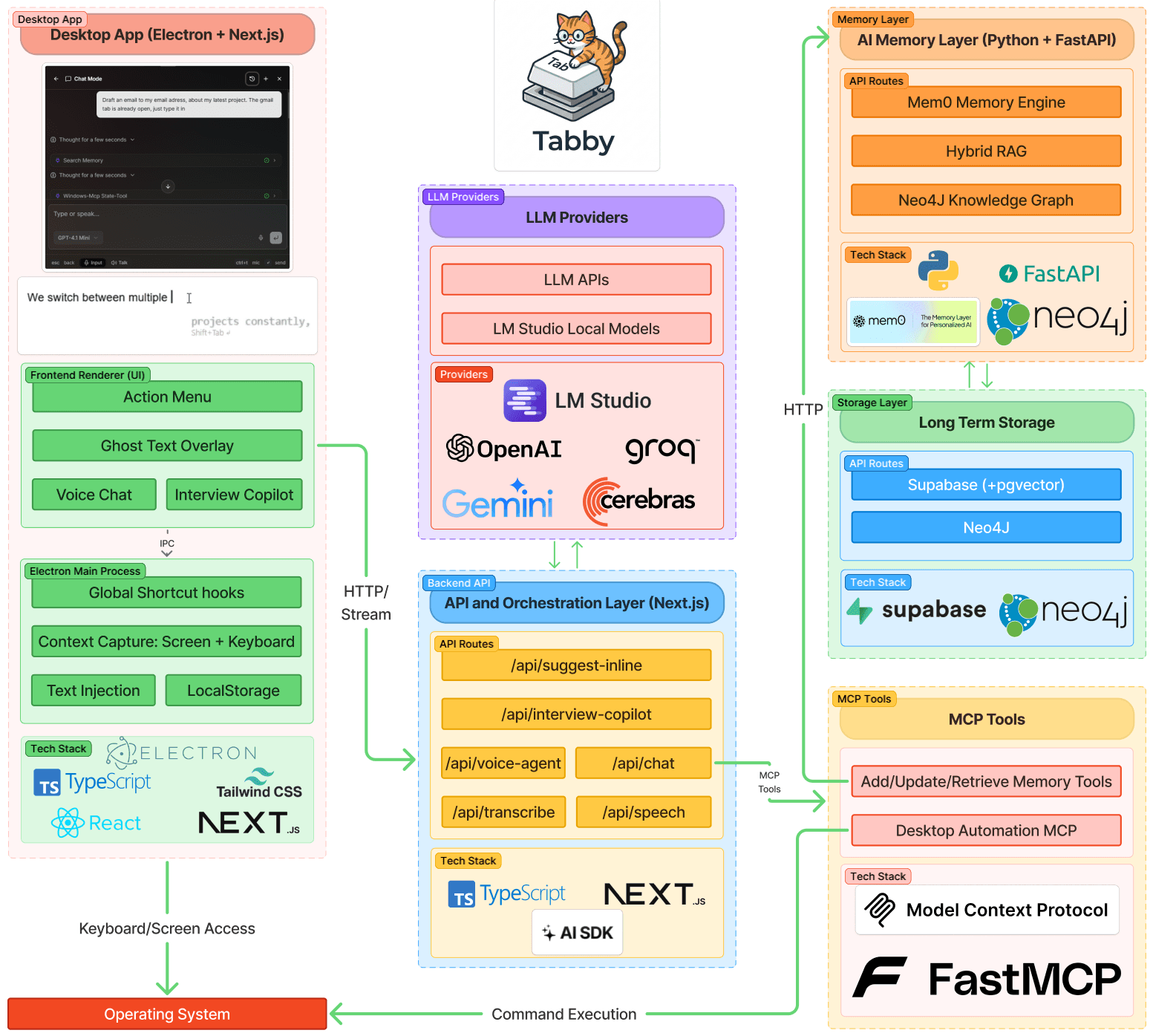
System Architecture
A high-level overview of how Tabby integrates AI with your workflow across devices and platforms.
Get started in minutes
From installation to your first AI-assisted code, it only takes a few steps.
- 01
Install Tabby
Download the Electron app and set up your API keys in seconds.
- 02
Learn the Shortcuts
Master Ctrl+\ for actions, Alt+X for interview mode, and Ctrl+Space for suggestions.
- 03
Start Coding
Use the Interview Copilot for real-time assistance or Ghost Text for autocomplete.
- 04
Build Your Memory
Let Tabby learn your preferences and coding style over time for personalized help.
Powerful features
Everything you need to supercharge your coding workflow and ace interviews.
Interview Copilot
Screen capture, problem analysis, and real-time code suggestions for technical interviews.
Action Menu
Quick AI actions: fix grammar, change tone, expand text, and run custom snippets.
Persistent Memory
Long-term context retention using vector databases. Your AI remembers everything.
Ghost Text
Subtle IDE suggestions that appear as you type, guiding you through complex code.
Knowledge Graph
Visualize your cognitive architecture. Discover connections between snippets and past sessions.
Voice Agent
Voice-to-text and text-to-voice for hands-free, natural AI interaction.
Intelligent Chat
Full context-aware conversation with tool integration and memory search.
Invisible Typing
Seamless AI-assisted typing. Tabby types directly into any app with human rhythm.
Interview Copilot
Screen capture, problem analysis, and real-time code suggestions for technical interviews.
Action Menu
Quick AI actions: fix grammar, change tone, expand text, and run custom snippets.
Persistent Memory
Long-term context retention using vector databases. Your AI remembers everything.
Ghost Text
Subtle IDE suggestions that appear as you type, guiding you through complex code.
Knowledge Graph
Visualize your cognitive architecture. Discover connections between snippets and past sessions.
Voice Agent
Voice-to-text and text-to-voice for hands-free, natural AI interaction.
Intelligent Chat
Full context-aware conversation with tool integration and memory search.
Invisible Typing
Seamless AI-assisted typing. Tabby types directly into any app with human rhythm.
Elevate your typing with AI
Transform your workspace with a system-wide AI layer. Get real-time suggestions, intelligent actions, and persistent memory in every app.