Interview Copilot
Real-time coding interview assistance with screen capture and intelligent analysis.
The Interview Copilot is designed to be your silent partner during technical interviews. It captures your screen, analyzes the problem, and provides structured help without being intrusive.
Core Workflow
1. Analyze Problem (Alt + X)
Press Alt + X to capture your current screen. Tabby will identify the coding problem, extract constraints, and prepare an initial approach.
2. Update Context (Alt + Shift + X)
If the interviewer adds new constraints or you navigate to a different part of the problem, use Alt + Shift + X to update the AI's understanding.
3. Get Code Suggestions (Alt + N)
When you need a hint or a starting point for the implementation, press Alt + N.
Information Tabs
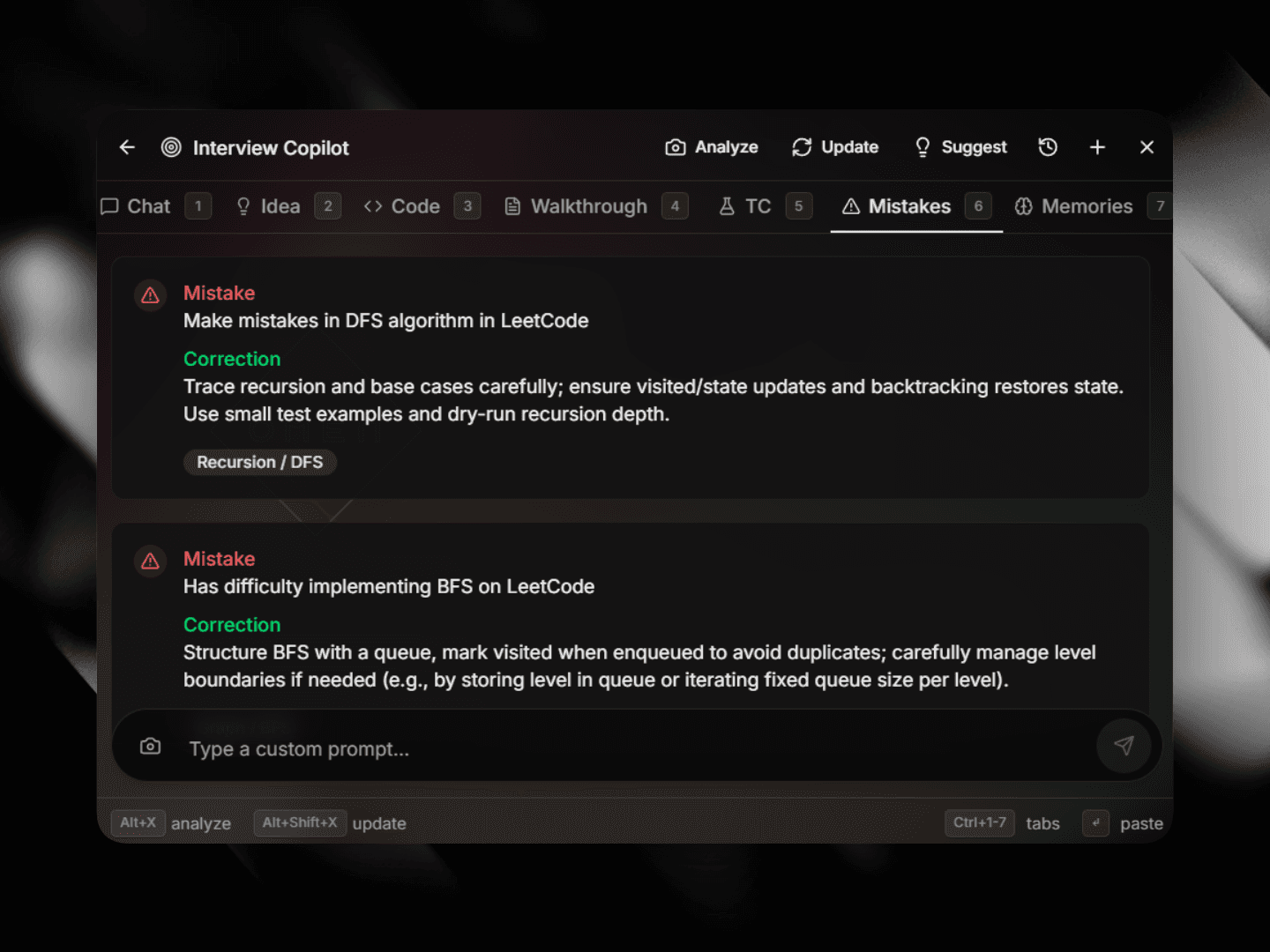
The Copilot panel organises information into several tabs, accessible via Ctrl + 1-6:
- Chat (1): Ask follow-up questions or clarify specific parts of the problem.
- Idea (2): High-level strategy, time/space complexity analysis, and edge cases.
- Code (3): Refined, commented implementation of the solution.
- Walkthrough (4): A step-by-step breakdown of how the solution works.
- Test Cases (5): Suggested inputs and expected outputs to verify your code.
- Memories (6): Relevant snippets from your past coding style or similar problems.
Ghost Text Integration
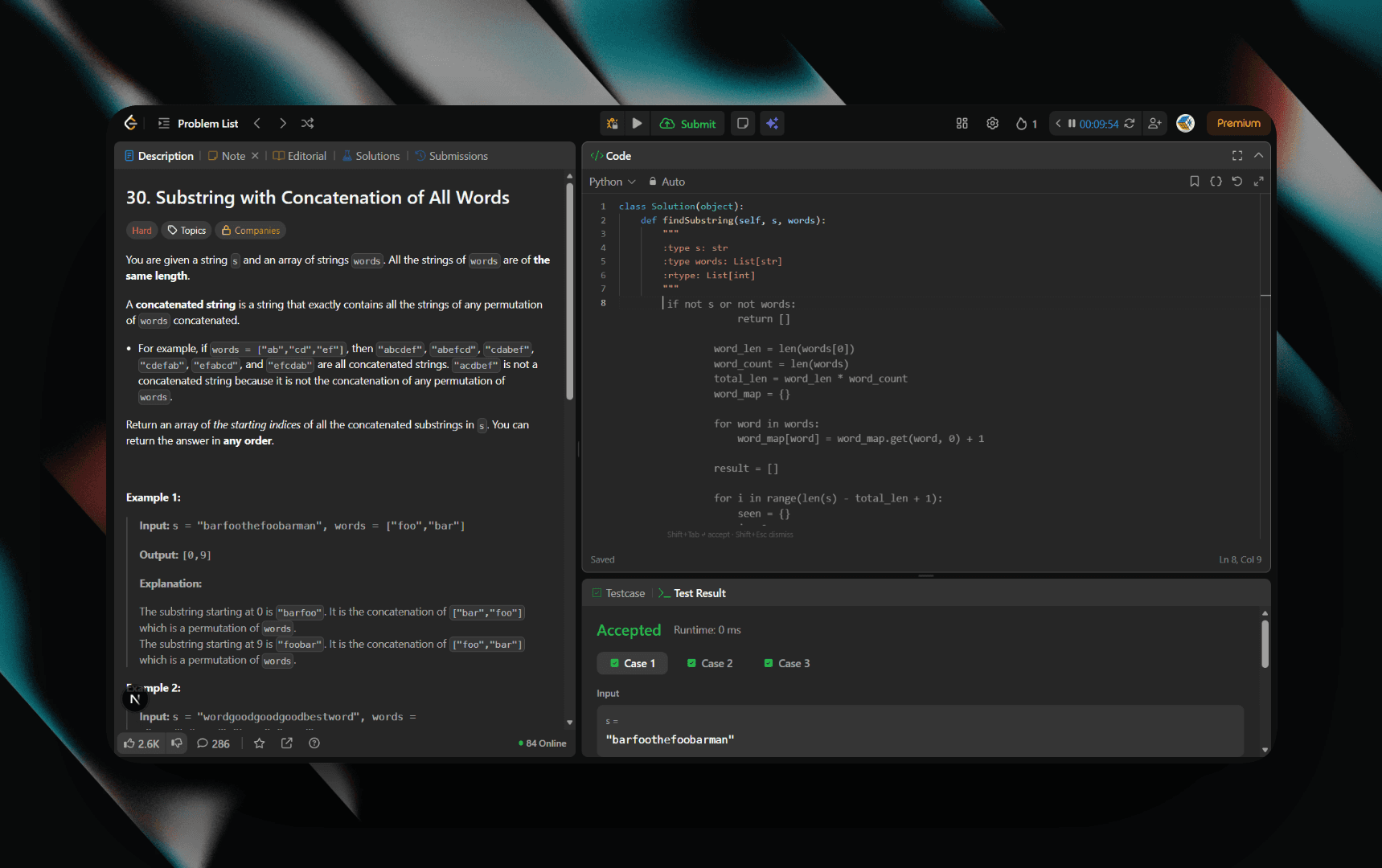
The Copilot can also provide suggestions directly in your editor as ghost text.
Use the Copilot responsibly. It is designed as a learning and productivity tool.