Features
Voice Agent
Interactive, real-time voice conversations with your AI assistant.
The Voice Agent provides a full-screen, interactive experience for natural, back-and-forth conversations with Tabby. It's designed for deep brainstorming, coding assistance, or hands-free support while you work.
Overview
Unlike the quick Voice Interaction modes (Transcribe/Command), the Voice Agent maintains an active session, similar to a phone call. It understands context, remembers your past interactions, and can respond with natural-sounding voice output.
How to Use
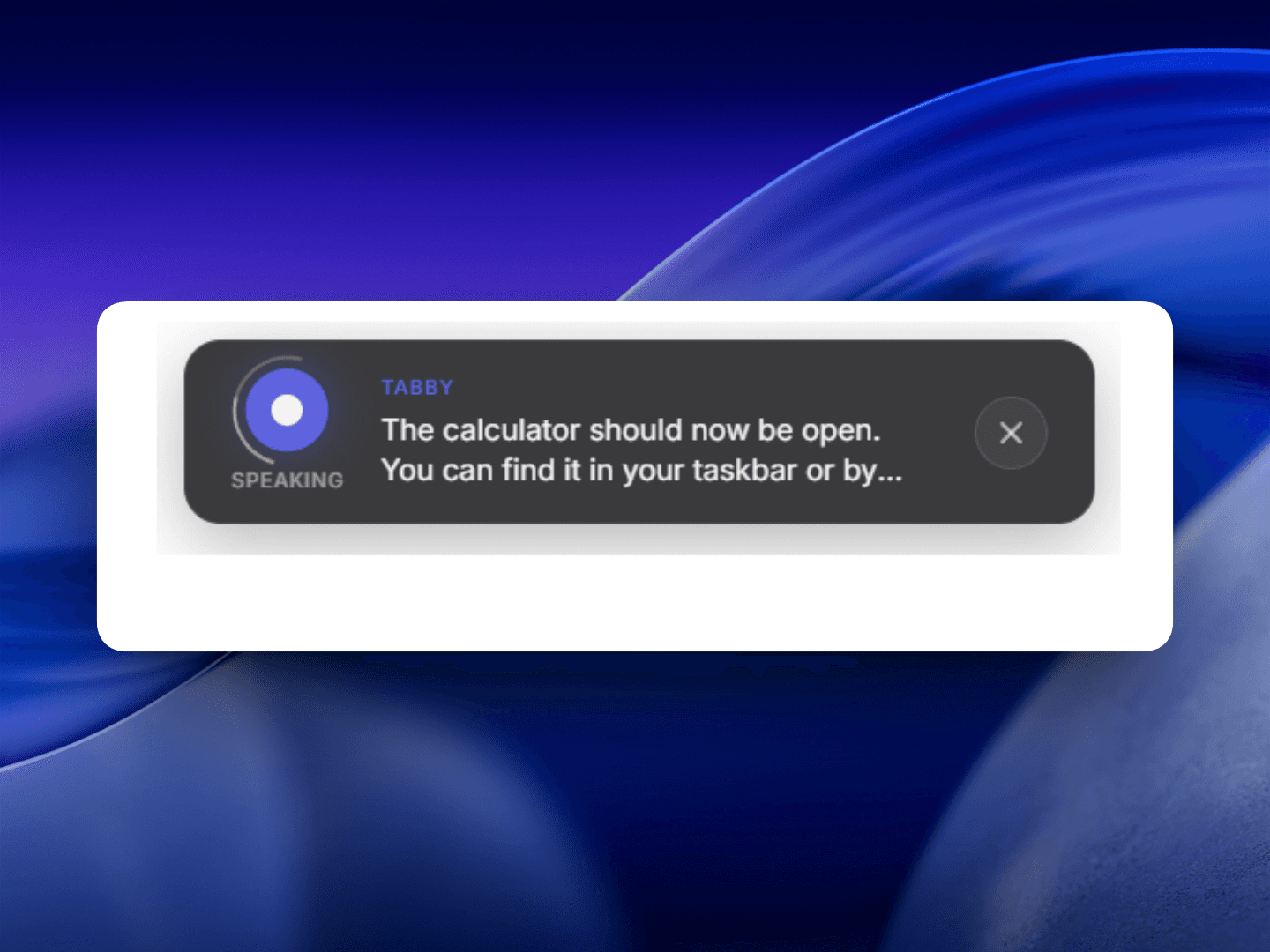
- Launch: Open the Voice Agent from the Action Menu grid or use the global shortcut Ctrl + Alt + J.
- Start Session: Click the microphone icon or press Space to begin the conversation.
- Natural Dialogue: Speak naturally. The agent uses low-latency real-time processing to respond almost instantly.
- Visual Context: If you launch the agent while text is selected, it will be used as context for the conversation.
Controls and Shortcuts
- Space: Toggle microphone (Mute/Unmute).
- Esc: End the session and return to the previous menu.
- View Transcripts: Toggle between a compact view and a full conversation history to see what was said.
Use Cases
- Pair Programming: Explain a complex bug and brainstorm solutions while keeping your hands on the keyboard.
- Roleplay: Practice for interviews or presentations with the AI.
- Hands-Free Control: Ask the AI to help with calculations, research, or drafting while you are away from the main interaction panels.